What a music and book server is
Streaming services rent you music and books for as long as you pay, and titles can vanish when a licence ends. If you’ve bought albums as downloads, copied your own CDs, or bought audiobooks and ebooks without copy protection, a server at home gives that collection the same convenience: open an app on your phone, pick up where you left off, and have it everywhere in the house.
Each kind of media has its own app, because each needs different things. Music wants playlists and fast browsing by artist. Audiobooks want your place remembered to the second. Comics and ebooks want a reader that turns pages. All of these apps can run on the same small computer at once.
First, check that your files are really yours
The one thing that decides whether this works is DRM, short for digital rights management: copy protection that locks a file to one company’s app. Most Audible audiobooks and Kindle books have it, and so does anything downloaded inside Spotify or Apple Music. None of the apps on this page can open those files.
Files without DRM work anywhere: MP3, FLAC and M4A music, MP3 and M4B audiobooks, and EPUB, PDF and comic (CBZ) files. Shops that sell this way, and free libraries of out-of-copyright books, are listed lower on the page.
Which app for which
| What you have | The app | How you’ll use it |
|---|---|---|
| Music | Navidrome | Subsonic apps on your phone, or its web player |
| Audiobooks and podcasts | Audiobookshelf | Its Android app, the web player, or a third-party iPhone app |
| Comics, manga and ebooks | Kavita | In the browser, or an e-reader app through OPDS |
| An ebook library kept in Calibre | Calibre-Web | In the browser, by email to an e-reader, or Kobo sync |
OPDS is a standard way for reading apps to browse a library and download books from it. Subsonic is the same idea for music apps.
What it needs
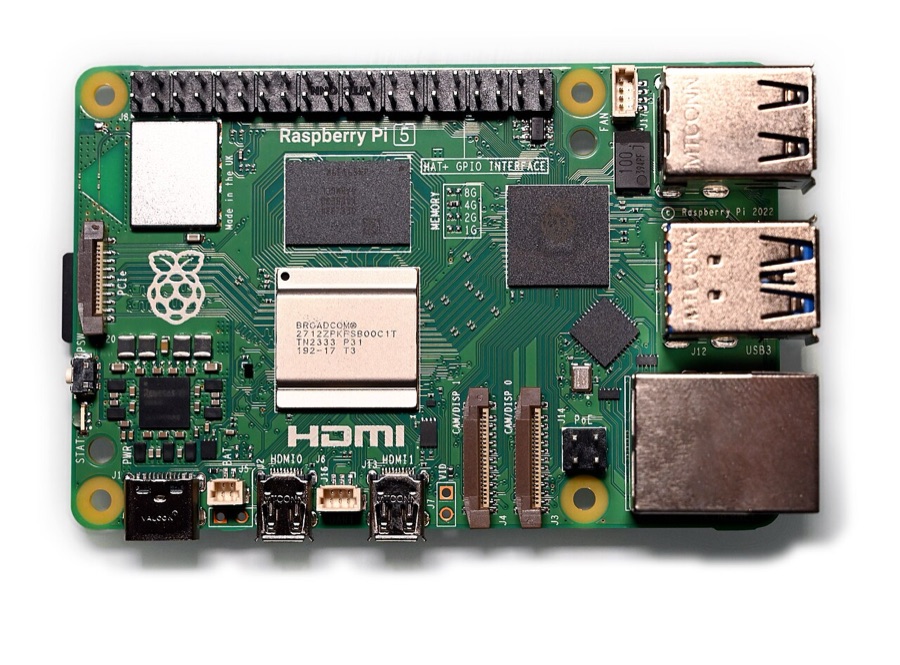
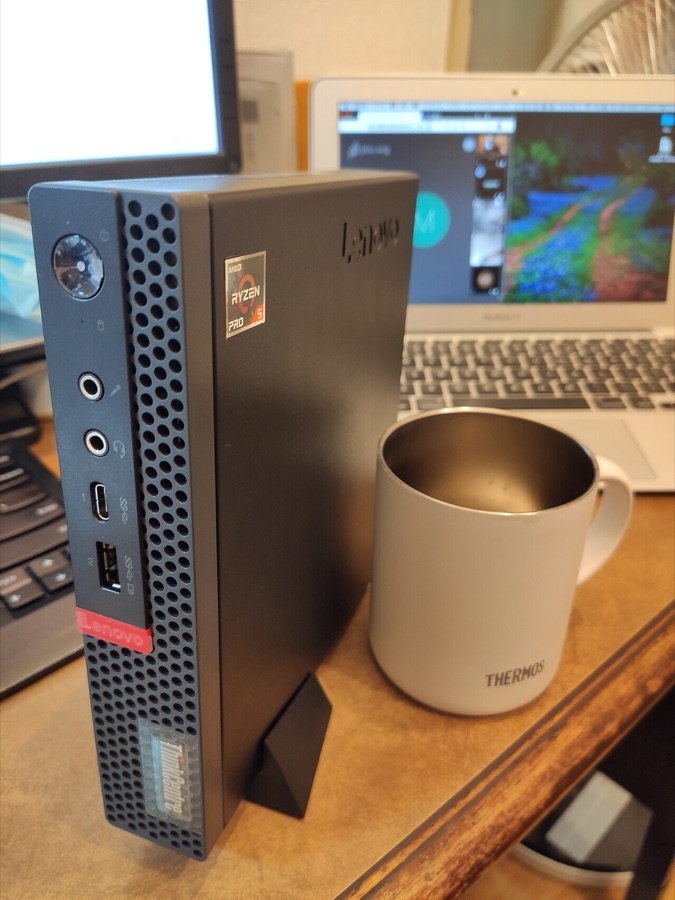
- A small computer that stays on. These apps are light. A Raspberry Pi, an old laptop or a used mini PC runs all of them, and Navidrome’s makers have tested it with libraries of hundreds of thousands of songs.
- Storage. Lossless FLAC music takes several times the space of MP3. An audiobook is usually a few hundred megabytes. Text ebooks are tiny, and comics are larger.
- Tidy files. Navidrome sorts by the tags inside each file (artist, album, track number), and Audiobookshelf and Kavita work best with one folder per book or series. An hour of tidying first saves a lot of confusion later.
- Apps for your phone. Most are free, and some of the best music apps are a one-off purchase.
How Navidrome fits in
- Your collection, read from its tags. Albums, artists and genres, with cover art.
- One login each. Everyone gets their own playlists, favourites, ratings and play counts.
- Your choice of app. It speaks the Subsonic language that many music players understand, so you can pick the app you like on each device. The pick above names good ones.
- Smaller files on mobile data. It can convert music to a smaller format as it plays.
- Offline listening. Most phone apps can download albums for when you have no signal.
- Scrobbling, if you want it. It can send what you play to Last.fm or ListenBrainz.
- A web player in any browser.
The easy way to set it up
None of these apps needs the terminal.
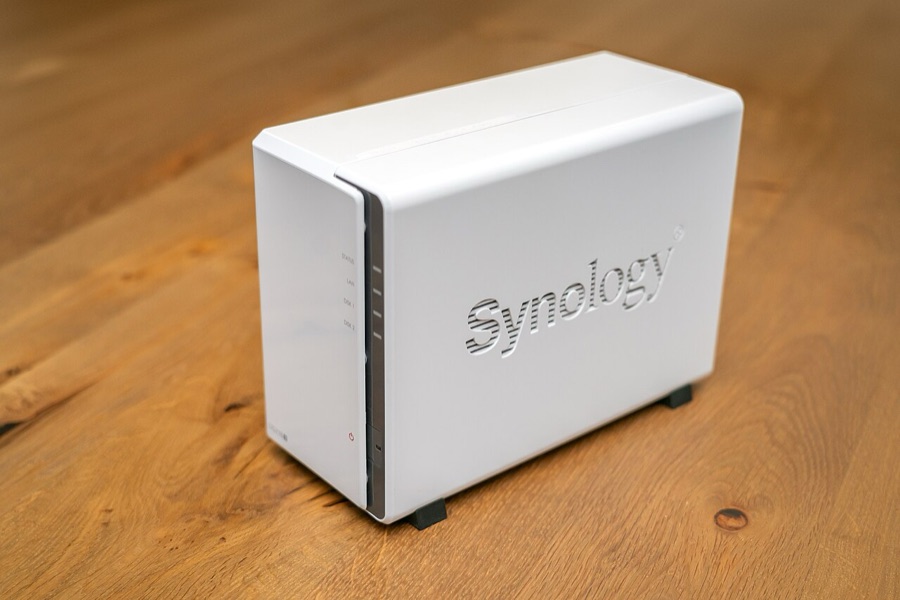
- On a home server running ZimaOS or CasaOS, open the App Store and install Navidrome, Audiobookshelf, Kavita or Calibre-web, each with one click. All four are in the TrueNAS app catalogue too.
- On a Windows PC, Navidrome has a normal installer that sets it to start with Windows. Kavita comes as a compressed .tar.gz download: extract it into a folder in your own user area (Windows 11 can open it by itself, and older versions need the free 7-Zip) and double-click Kavita.exe. Audiobookshelf has a community-made Windows installer.
- If you already keep ebooks in Calibre on your computer, its built-in Content server shares the library with phones and tablets on your network, with no extra app. In Calibre, choose Connect/share, then Start Content server.
Then, for each app:
- Copy your files into one folder per kind, such as Music, Audiobooks and Books.
- Open the app’s web page, from the dashboard on a home server or at
http://localhost:4533for Navidrome on Windows, and create the first account. It becomes the admin. - Add a library pointing at the matching folder, and let the first scan finish.
- Install the phone apps and sign in with the server’s address.
- Make an account for each person.
The terminal route, Docker on Linux, suits people who already run their apps that way, and each project’s own documentation covers it.
Questions people ask
Can I bring my Spotify or Apple Music library across?
Not the music itself. What you stream from those services is rented and locked to their apps. You can rebuild your playlists from music you own: Navidrome imports playlists saved as M3U files in your music folders.
Can I move my Audible or Kindle books in?
Not as they come, because they’re locked with DRM. Where you have the choice, buy DRM-free from the shops listed below, and the files are yours to keep in any app.
Will it work with my Kindle or Kobo?
Kobo e-readers can sync with Calibre-Web. Calibre-Web can also email a book to your Kindle’s own address, and Amazon’s Send to Kindle service converts EPUB files on the way. Kavita’s OPDS feed works with e-reader apps such as KOReader.
Which app should I use for audiobooks on an iPhone?
The official Audiobookshelf iPhone app is a test version that’s usually full. Its own documentation lists community apps instead, including ShelfPlayer (paid) and Plappa (free, with paid extras), and the web player works in Safari.
Can I listen away from home?
Yes. Tailscale links your phone and your server privately wherever you are, and every app on this page works over it. See remote access.