What a media server is
Netflix and Disney+ are, underneath, a large collection of video files and an app that presents them well. A media server does the same job with your own files. It runs on a computer at home, looks through your folders of video, and turns them into a library with posters, descriptions, episode lists and a “continue watching” row.
Everyone in the house then opens an app on their TV, phone, tablet or browser and sees that library. Each person has their own login, so the server remembers where each of you stopped. Nothing is uploaded to a company, and nothing disappears because a licence deal ended.
It suits home videos, your own recordings, public-domain films, and films bought as DRM-free downloads. DRM is copy protection that locks a file to one company’s app, and a media server can’t play files that have it.
Jellyfin or Plex: decide this first
Two apps dominate, and both work the same way: a server program on your computer, and apps on your screens.
- Jellyfin is free and open source. Every feature costs nothing, including watching away from home and using your graphics chip to convert video, and there’s no account with any company.
- Plex has the most polished apps and the easiest sharing with family in other homes. You sign the server in to a Plex account, watching your own videos away from home needs a paid pass, and its menus mix Plex’s own free, ad-supported films in with yours.
This page picks Jellyfin, because nothing about it changes when a company changes its prices. Choose Plex if you’re sharing with relatives elsewhere who won’t tinker, and you’re happy to pay for that. Both can read the same folders, so you can start with one and add the other later.
How it works
There are three parts:
- Your files, in folders. Jellyfin reads folder and file names to work out what each video is. A film saved as
Movies/Big Buck Bunny (2008)/Big Buck Bunny (2008).mp4gets the right poster, andShows/Show Name (2015)/Season 01/Show Name S01E01.mkvlands in the right episode. Home videos can go in a library of their own, named however you like. - The server, which keeps the library, the user accounts and what everyone has watched.
- The apps on each screen, which ask the server for a video and play it.
When an app asks for a video, one of two things happens:
| What happens | When | Work for the server |
|---|---|---|
| Direct play | The device can play the file as it is | Almost none. The file is sent unchanged |
| Transcoding | The device can’t play that format, or the connection is too slow for the file | Heavy. The server converts the video while you watch |
Transcoding is the only demanding job a media server does. Most recent TVs, phones and streaming boxes play common files directly, so a household watching on its own network may rarely need it. Watching on mobile data, or playing a 4K HDR film on an older screen, are the usual times it kicks in.
What it needs
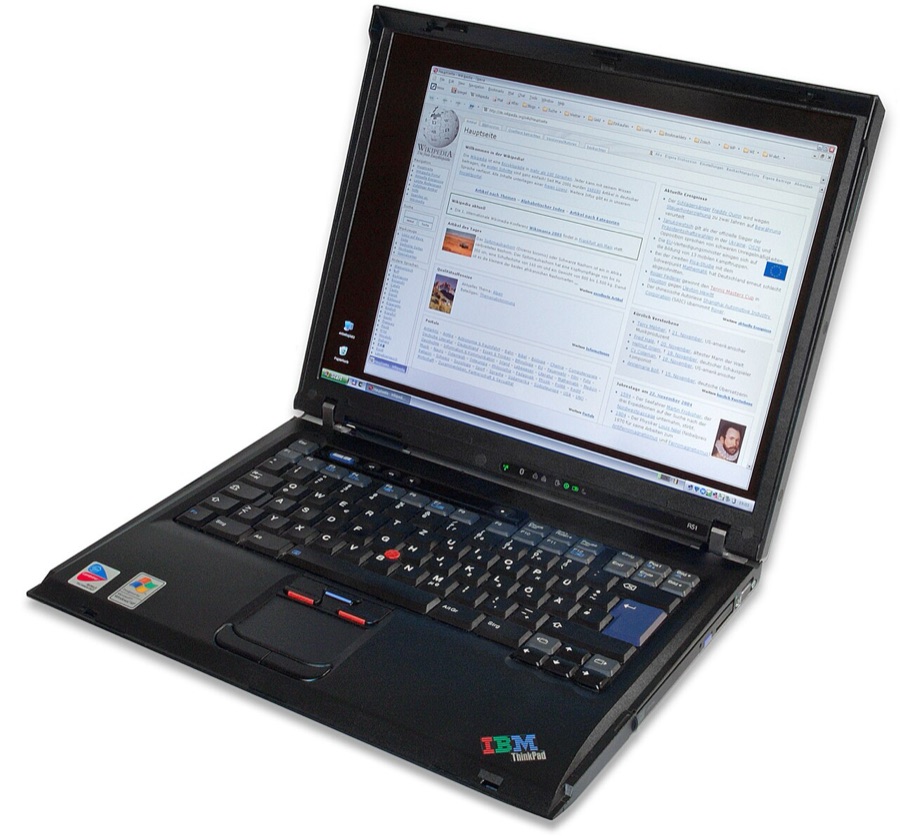
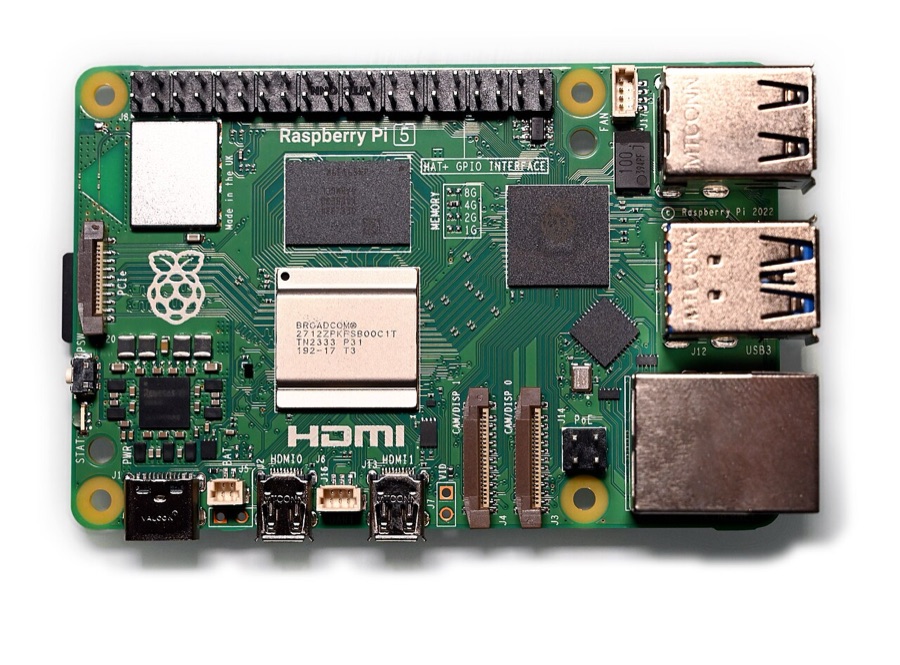
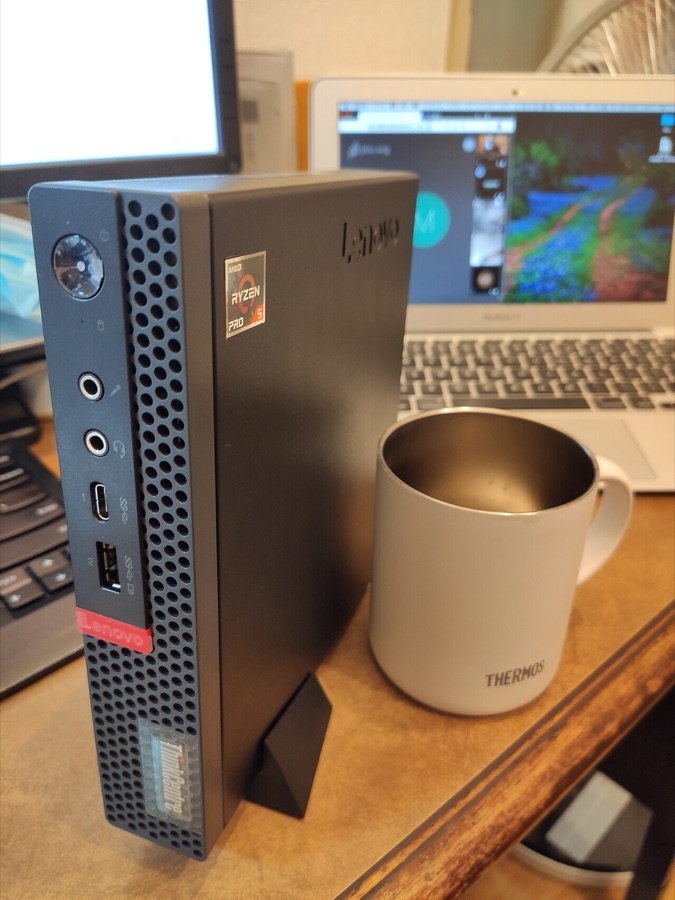
- A computer that stays on. The library is only there while the server runs. A desktop PC, an old laptop or a used mini PC is plenty. A Raspberry Pi plays files directly but struggles to transcode.
- Built-in graphics that can convert video, if you’ll need transcoding. A fairly recent Intel processor with built-in graphics is the usual recommendation, because its video engine converts several streams at once on little power. Jellyfin uses it once you switch hardware acceleration on.
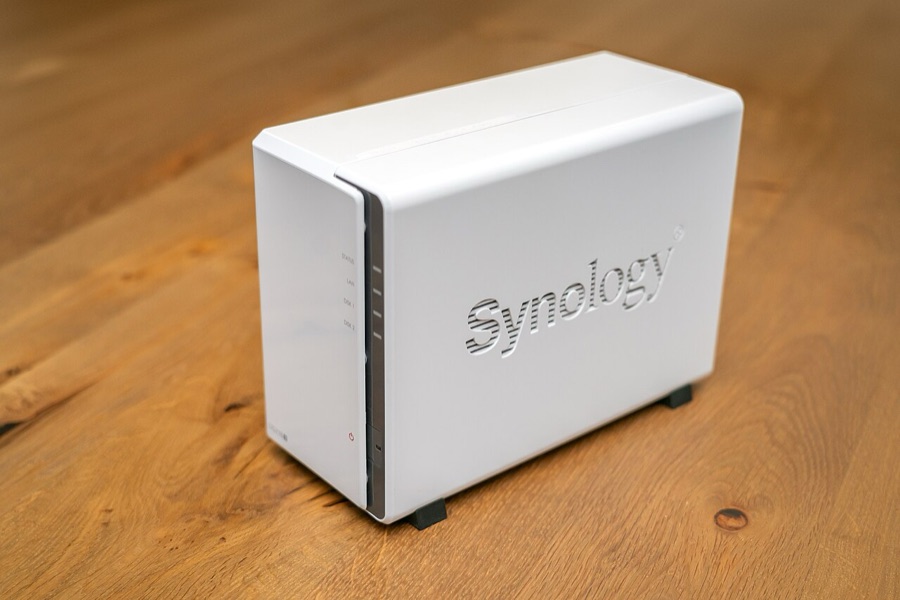
- Storage. An ordinary HD film is usually a few gigabytes and a 4K film can run to tens of gigabytes, so a growing collection ends up on hard drives. Storage and drives explains the choices.
- A cable to the router for the server. The TVs can use Wi-Fi, but the server should be plugged in.
How Jellyfin fits in
- Libraries. Point it at folders of films, shows, home videos or music, and it fetches posters, descriptions, cast lists and episode titles from online film databases.
- A login for each person, with their own watch history, favourites and place in each film. Children’s accounts can be limited to certain libraries or age ratings.
- Apps for almost every screen. Official apps for Android phones, Android TV and Fire TV, iPhone, Roku, LG and Samsung TVs and Xbox, Swiftfin (still marked beta) for Apple TV, and any web browser.
- Hardware transcoding at no cost. There’s no pass or subscription to buy for it.
- Subtitles and audio tracks. It picks up subtitle files saved beside your videos, and a plugin can fetch missing ones.
- Live TV. Add a network TV tuner and it shows and records broadcast channels. See live TV and DVR.
- No company in the middle. No account with anyone, no adverts and no tracking.
The easy way to set it up
You don’t need the terminal. There are three ways to install Jellyfin, easiest first:
- On a Windows PC or a Mac. Download Jellyfin Server from jellyfin.org and install it like any other program. On Windows it’s an installer, and Jellyfin then runs from an icon by the clock. On a Mac you drag the app into Applications and start the server from its icon in the menu bar.
- On a home server running ZimaOS or CasaOS. Open the App Store, find Jellyfin and press Install. TrueNAS has it in its app catalogue too.
- With Docker on Linux, for people happy to use the terminal.
The step-by-step guide has a tab for each of these routes, plus how to name your folders, the first-time setup and the TV and phone apps.
After that, everything happens in Jellyfin’s web page:
- Copy your videos into a folder for films and a folder for shows, named as above.
- Open Jellyfin in a browser. On the computer it’s installed on, that’s
http://localhost:8096. On a home server, click its icon in the dashboard. - Choose a language and create your admin account.
- Add a library for each folder, setting the content type to Movies or Shows.
- Install the Jellyfin app on your TV and phone. If it doesn’t find the server by itself, type in the address that opens Jellyfin in a browser on another device, such as
http://192.168.1.50:8096. - Make an account for each person under Dashboard, then Users.
Questions people ask
Can I watch away from home?
Yes. The safe way is Tailscale, a free app that links your phone and your server privately wherever you are. Don’t open Jellyfin’s port on your router, because that puts its login page in front of the whole internet. Remote access explains how.
Does the computer have to stay on?
Yes. On a PC or Mac, set it never to sleep while plugged in, or move Jellyfin to a small always-on machine. Hardware you already own covers what works.
Where do the films come from?
Home videos, your own recordings, films sold as DRM-free downloads, and public-domain films, such as those the Internet Archive offers free. Copying shop-bought DVDs and Blu-rays is a different matter: in many countries, including the UK and the US, getting round a disc’s copy protection is against the law even for your own use. Streaming apps lists free, legal places to watch.
Why does a film stutter or keep buffering?
Usually the server is transcoding and can’t keep up. In the app’s playback settings, set the quality to maximum so it plays the original file. For a lasting fix, switch on hardware acceleration in Jellyfin’s dashboard.
Can I run Jellyfin and Plex side by side?
Yes. They can share the same folders without getting in each other’s way, which makes trying both easy.