What a Minecraft server is
When you play on your own, the world lives inside your game and stops when you quit. A server is a copy of that world running on a computer that stays on. Everyone, you included, joins it from their own game, and the world keeps going when any one of you logs off.
Hosting it yourself means the world is yours. You decide who can join, which version you play, whether there are mods, and when it’s backed up. Nobody can shut it down or put the price up.
Java or Bedrock: decide this first
Minecraft comes in two editions that can’t normally play together, and a server is one or the other.
- Java Edition is the version on Windows, Mac and Linux computers. It has the huge world of mods, plugins and modpacks. Most of this page is about Java.
- Bedrock Edition is the version on Xbox, PlayStation, Switch, phones and tablets. It has an official server too, and Crafty can create one.
If your group is mostly on computers, choose Java. If some friends are on consoles or phones, you can still choose Java and add Geyser, a plugin that lets Bedrock players join a Java server.
Which kind of server
Crafty asks you this when you create a server. For a Java server the main choices are:
| Kind | What it’s for | Do players install anything? |
|---|---|---|
| Vanilla | The plain game, exactly as Mojang makes it | No |
| Paper | The plain game, running faster, plus plugins such as claims, homes and minigames | No. Plugins run only on the server |
| Fabric or NeoForge | Mods that change the game: new blocks, creatures, machines | Yes. Everyone needs the same mods |
| A modpack | A ready-made bundle of mods that work together | Yes. Everyone installs the same pack |
For a first server, Paper is the safe choice. It plays exactly like the normal game, it’s smoother with more players, and you can add plugins later without anyone changing their game.
What it needs from your computer
Minecraft servers care about two things: memory, and how fast one processor core is.
| Your server | Give it this much memory |
|---|---|
| Plain or Paper, a few friends | 2 to 4 GB |
| Plain or Paper, a bigger group or big builds | 4 to 6 GB |
| A small set of mods | 4 to 6 GB |
| A large modpack | 6 to 10 GB, or what the pack’s page says |
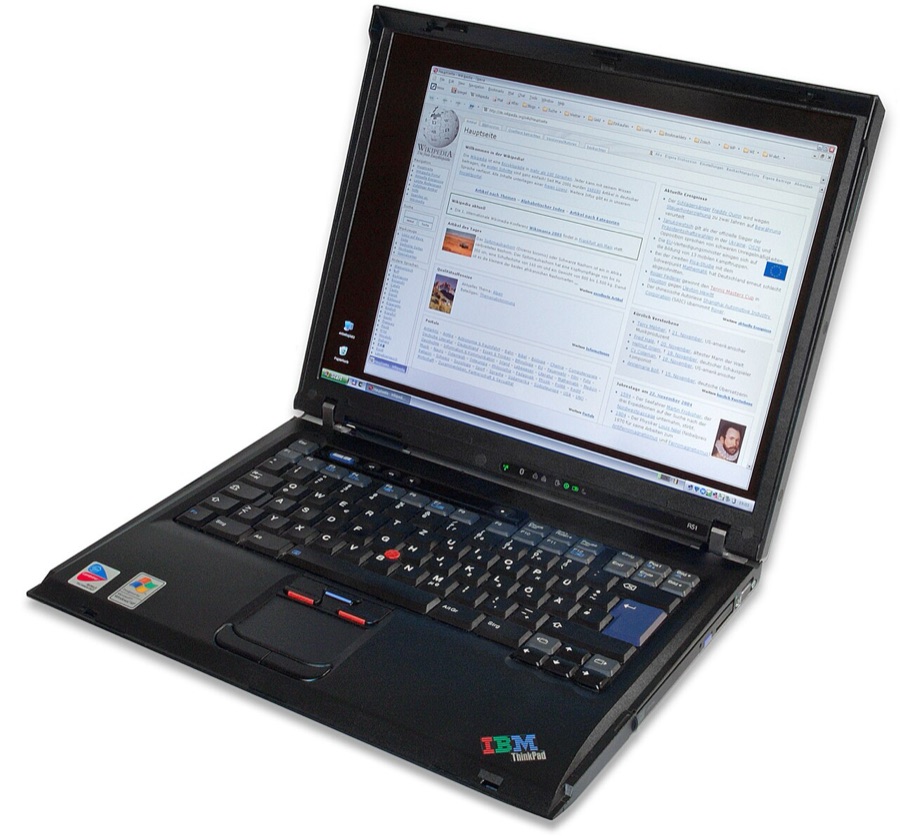
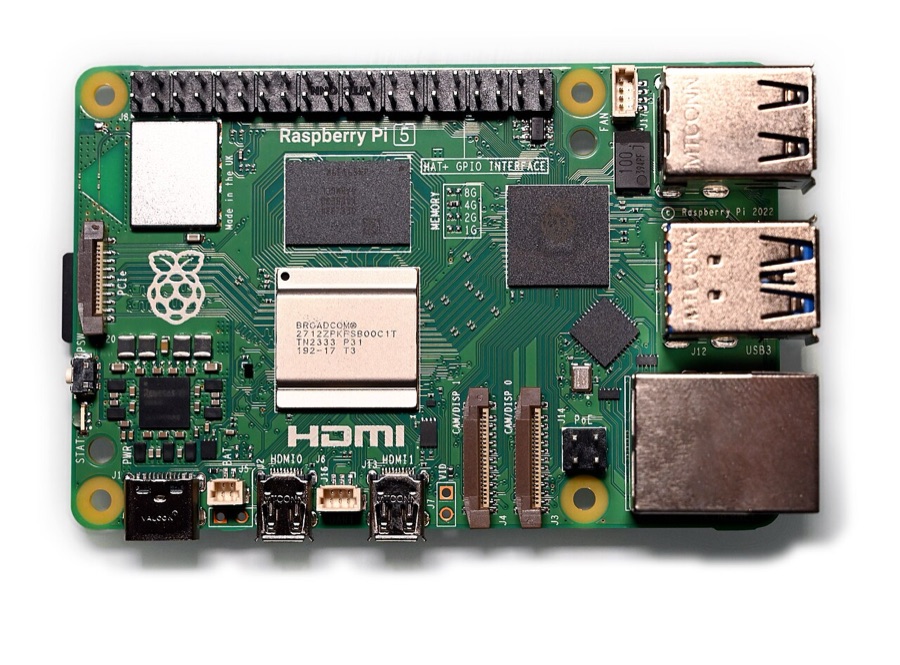
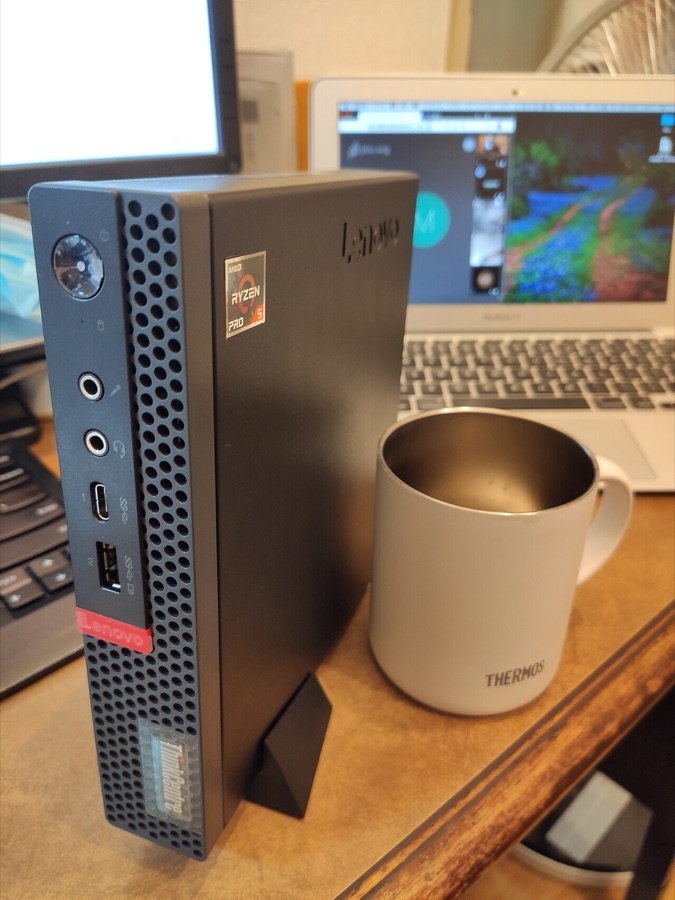
Leave at least 2 GB for the rest of the computer. An old laptop or a used mini PC is plenty for a group of friends. A Raspberry Pi 5 handles two to four players on a plain server.
Plug the machine into your router with a network cable. Wi-Fi works, but every hiccup becomes lag for everyone.
How Crafty fits in
Without a panel, a Minecraft server is a program you start by typing a command, with settings in text files and backups you make by copying folders. Crafty does all of that for you from a web page:
- Server builder. Choose Java or Bedrock, the kind of server and the version, how much memory it gets and which port it uses. Crafty downloads the server and sets it up.
- Start, stop and the console. Buttons for each server, and a window that shows what the server is doing, where you can type game commands like
whitelist add. - Backups. Set how many copies to keep, then make one with a button or on a schedule. Restoring is one more button.
- Schedules. Restart the server every night, back it up every few hours, or send a message to players before a restart.
- Crash recovery. If the server crashes, Crafty starts it again.
- Users and roles. Give a friend their own login that can start the server and see the console, but can’t delete anything.
- Several servers. Run a survival world and a creative world side by side, each on its own port.
You reach Crafty from any browser on your network, so you can manage the server from your phone.
The easy way to set it up
You don’t need the terminal for any of this. There are two no-terminal routes, and the step-by-step guide covers both:
- On a home server running ZimaOS. Open its App Store, install Crafty with one click, and open it in your browser. ZimaOS includes everything Crafty needs, Java included.
- On a Windows PC. Install Java with its normal installer, download Crafty for Windows, unzip it and double-click it. The server runs whenever that PC is on.
Either way, the rest happens in Crafty’s web page: create the server, press Start, accept Minecraft’s licence, and join.
Letting friends join from their own homes
Friends on your home Wi-Fi can join straight away using the server computer’s address. Friends elsewhere need a way in, and there are three:
- playit.gg gives your server a public address that you hand out, without changing anything on your router. Your home address stays private. This is the one to start with.
- Tailscale puts your friends’ computers on a private network with your server. It’s the most private, but every friend installs an app, so it suits two or three close friends.
- Port forwarding opens your router to the server. It costs nothing and adds no middleman, but anyone who joins can see your home internet address.
Whichever you use, turn on the whitelist, so only names you’ve added can join.
Questions people ask
Can I play on the same computer that runs the server?
Yes, if it has enough memory for both. The game itself wants several gigabytes, so a PC with 16 GB is comfortable running a small server and the game together.
Does the computer have to stay on?
The server only runs while the computer does. A home server or mini PC that’s always on is best. On a Windows PC, set it never to sleep while plugged in.
Is it free?
Crafty, the server software, Paper, playit.gg’s basic plan and ZimaOS’s basic plan all cost nothing. The only cost is the electricity for the computer, which for a mini PC is small.
Do my friends need to buy anything?
Each player needs their own copy of Minecraft. Your server checks that they own the game when they join.
Can I move my single-player world onto the server?
Yes. Crafty can import an existing world or server from a zip file. Make a copy of the world folder first.