What dashboards and monitoring are
They’re two different jobs that often get mixed up.
A dashboard is a start page: one web page with a tile for every app you run, so you don’t have to remember that photos are on port 2283 and films on 8096. Some dashboards show live details too, such as what’s playing or how much disk space is left.
Monitoring keeps an eye on your apps for you. It checks each one every minute or so and messages your phone when one stops answering. Without it, the first you hear of a problem is someone in the house saying the films have stopped working.
Which do you need first
Monitoring. A dashboard is pleasant to have, but ZimaOS and CasaOS already show every app you install from their store as an icon on their home page, which covers the same need at the start. Monitoring is the one that saves you trouble, so it’s the pick.
| Dashboard | Monitoring | |
|---|---|---|
| What it does | Links to all your apps on one page | Checks your apps and alerts you when one fails |
| How often you look at it | Every time you open an app | Rarely, until something breaks |
| In the options below | Homepage, Homarr, Glance | Uptime Kuma, Beszel, Healthchecks.io |
How monitoring works
Uptime Kuma behaves like a visitor that never gets bored. Every minute it opens each address you’ve given it and checks that a sensible answer comes back. If an app doesn’t answer, or answers with an error, Uptime Kuma marks it as down and sends a message through whichever service you’ve connected, such as the ntfy app on your phone. When the app comes back, you get a second message saying so.
It can check more than web pages: whether a computer answers at all (a ping), whether a game server’s port is open, whether a name still looks up correctly in DNS (the system that turns names into addresses), and whether a site’s HTTPS certificate is about to expire.
What it needs
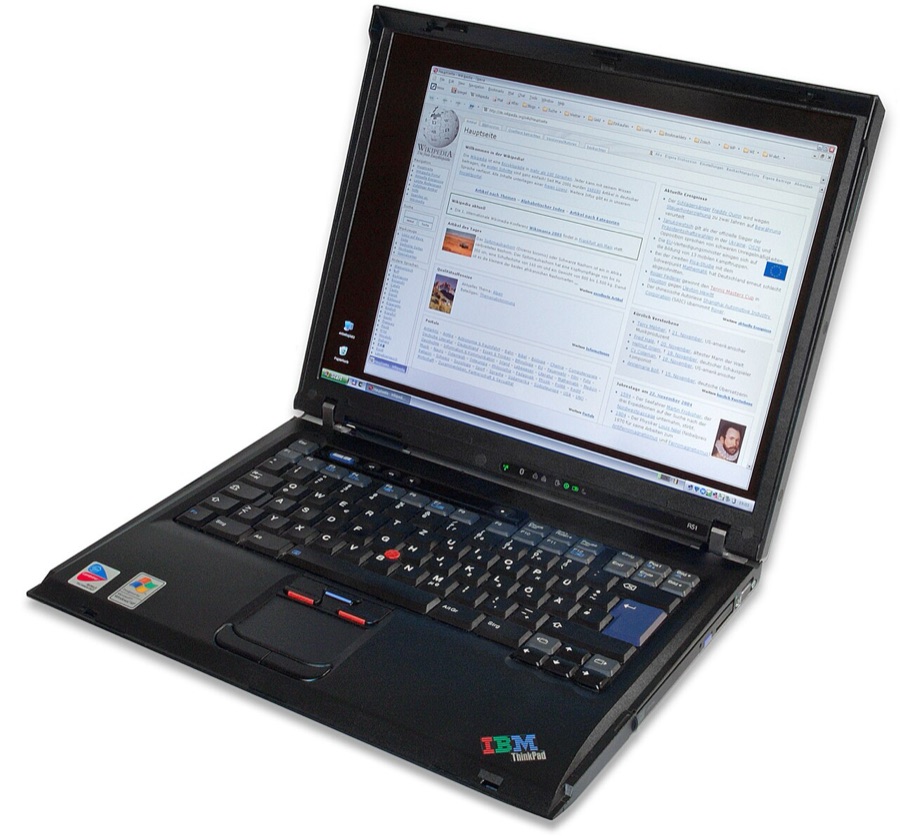
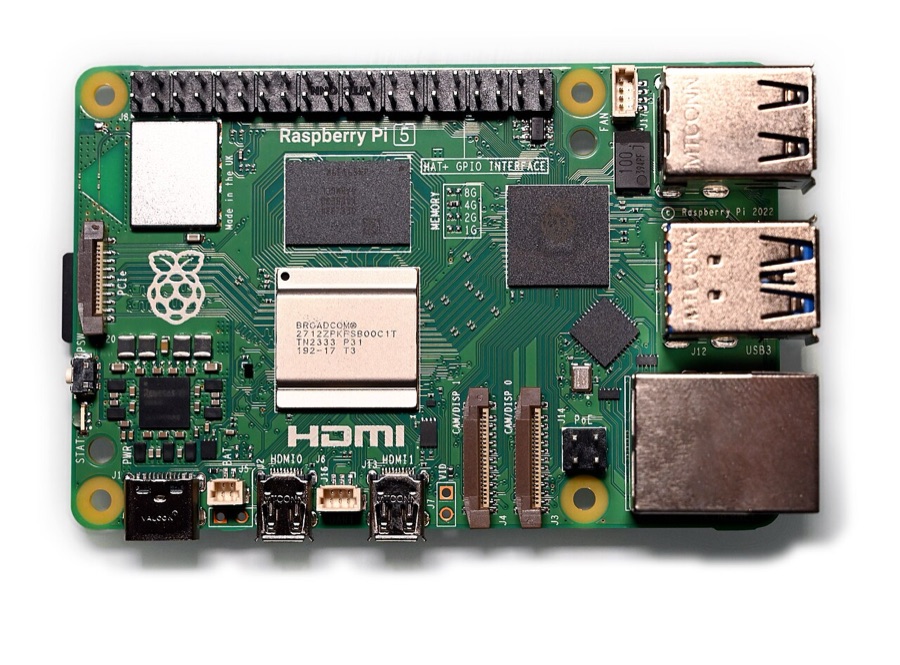
- Somewhere to run it. Any machine that’s always on. Ideally not the one running your apps, because if that machine dies, it can’t tell you. A Raspberry Pi or an old laptop is plenty.
- A way to get alerts. The free ntfy app on Android or iPhone is the easiest. Telegram, Discord and email work too.
- Ten minutes to set up, plus a minute for each app you add.
How Uptime Kuma fits in
- Checks every 60 seconds by default, for web pages, ports, ping, DNS and more.
- Alerts through more than 90 services, each with a Test button so you know it works before you need it.
- Retries, so a brief blip doesn’t set it off. Set one or two before it alerts.
- History and response times for each app, drawn as graphs.
- Certificate warnings before anything on HTTPS expires.
- Status pages that list what you run and whether it’s up, which you can share with the house.
- Maintenance windows, so planned restarts don’t trigger alerts.
- Push checks for scheduled jobs such as backups. The job checks in with Uptime Kuma when it runs, and you hear about it when it stops.
- Two-factor sign-in for its own login page.
The easy way to set it up
Everything here happens in the browser and on your phone. There’s no terminal involved.
- Install Uptime Kuma from the ZimaOS or CasaOS App Store on the machine you’ve chosen, and open it. It uses port 3001.
- Choose the database when it asks. Pick SQLite, a single file that Uptime Kuma itself recommends for small setups.
- Create your admin account, with a strong password from your password manager.
- Install ntfy on your phone and subscribe to a topic with a long, hard-to-guess name. On the free public ntfy service, topic names are public, so anyone who guesses yours could read your alerts.
- Connect the two. In Uptime Kuma’s settings, add an ntfy notification with the same topic, press Test, and check that your phone buzzes. Tick Default enabled, so every new monitor uses it.
- Add a monitor for each app. Give it a name and the address you open it at, such as http://192.168.1.20:8096 for Jellyfin, and set retries to one or two.
- Test it. Stop one app from the ZimaOS or CasaOS dashboard and wait a few minutes for the alert. Start it again and wait for the message saying it’s back.
When you want a proper dashboard later, Homarr from the options below is built by dragging tiles around in your browser, with no files to edit. It isn’t in the ZimaOS app store at the moment, so it’s installed as a Docker container (see Docker and containers).
Questions people ask
Will monitoring slow my server down?
No. Checking a handful of apps once a minute is a tiny amount of work for any computer that can run them.
Can it watch things outside my house?
Yes. It can check your website, a game server or anything else with an address. To find out when your whole home internet goes down, something outside the house has to notice. Healthchecks.io in the options below does that: a small scheduled job at home checks in every few minutes, and you get an email when it stops.
Can I see it on my phone away from home?
Yes, over Tailscale, using the server’s 100. address and port 3001. Alerts reach your phone wherever you are anyway, because ntfy and the other services deliver them over the internet.
What should I monitor first?
The things people in the house would notice: the media server, photo backups, the ad blocker, and the router itself. If the router goes down, alerts can’t get out either, which is another reason a check from outside helps.
What’s the difference between Uptime Kuma and Beszel?
Uptime Kuma tells you whether each app is answering. Beszel tells you how hard each machine is working: processor, memory, disk space and temperature over time. Start with Uptime Kuma, and add Beszel when you want to know why something is slow or a disk is filling up.